I have been asked to add Google Maps onto a clients website. This is easily done, and I am sure you will probably know various ways of doing this, however for Magento I have found this is by far the easiest way to do this.
Firstly, create
Advertisements
a CMS page, naming it appropriatly (or open the CMS page you are going to add this to – if you already have a page you want to add this to.
I then took a visit google maps and searched for the shop location and clicked on the hyper link button
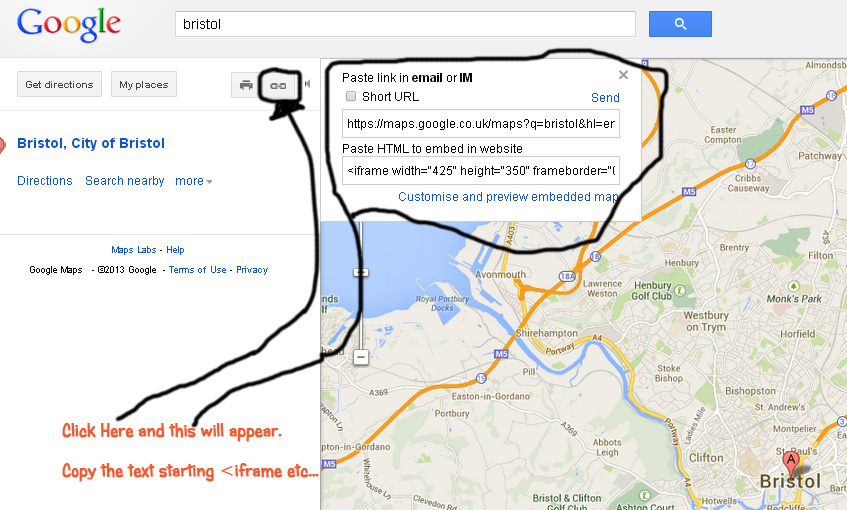
this then opens another menu where you can copy and paste code into your website, copy the text starting <iframe … etc to the clip board. This is the text you paste into your CMS page description.
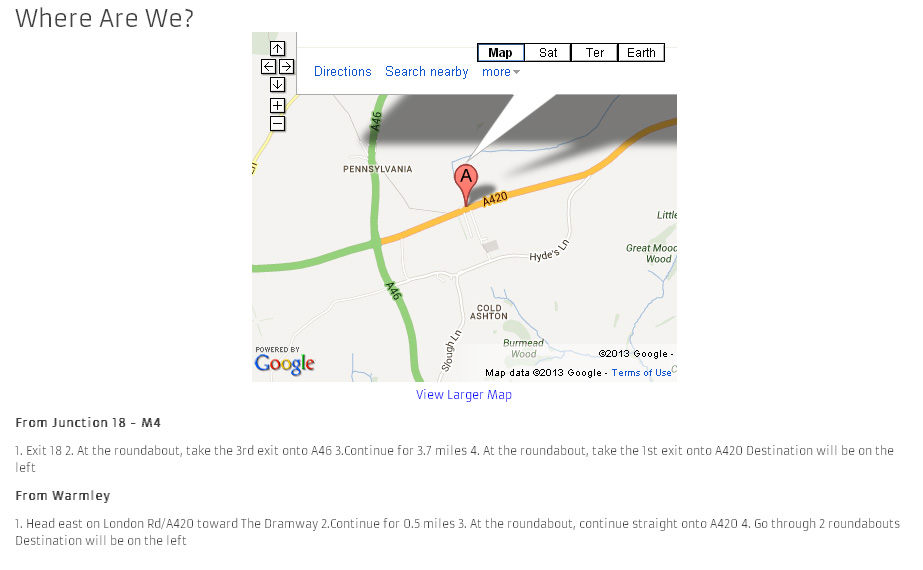
You can style it how ever you want, I centered the image and listed a few different options for directions below so customer have some idea of where to go.
My finished page is below;
If you have any questions, please let me know.
Comments are closed